 Professional
Nova
The Guide
Calm, clear and always a step ahead. Nova keeps you moving without the noise.
Calm · Clear · Neutral EN
helloim.ai plugs into the AI you already use — Claude, ChatGPT, Gemini, your own endpoint, or a model running locally on your machine — and gives it a name, a face and a voice that talks and listens. Then it moves onto your desktop as the assistant that runs your day.
Windows 11, free. The installer isn't code-signed yet, so Windows will show a SmartScreen warning the first time — first install? here's what to expect →
This is a live session. Press the mic, speak, or drop a file — Nova replies using the helloim.ai demo brain. Voice playback isn't available in this web preview yet; replies show as text.
No new model to learn, no data migration, no second subscription for intelligence you already pay for — in the cloud or on your own machine.
Six moments, one thread: the thing you were carrying, said out loud, and handed off. Turn narration on and every cut waits for the line to finish.
Now playing
2:00 AM
No face yet

It's 2am. You're awake. Somewhere today you promised something, and it only ever lived in your head. So you run the list again — just in case.
Every line in this reel is something the product does today — not a roadmap.
helloim.ai never ships its own model. Point it at Claude, ChatGPT or Gemini with your own key — or at a model running on your own machine through Ollama, LM Studio or llama.cpp. Then wear any named skin on top of it. Keys are stored in your browser here, and in Windows Credential Manager in the desktop app.
Cloud providers
Local runtimes · the model call stays on your machine
Connect Claude
Anthropic
Settings live in this browser only.
Keys are saved only in this browser's local storage and sent directly to your provider. No key? The live demo runs on us — connect your own AI any time for private, unlimited use.
A theme is three things bolted together: a full-bleed visualizer, a voice, and a strict directive your model has to obey. Nova, Capcom, Koan, Noir, Bella and Giles are the six that ship in the Windows app. The rest are the ones people screenshot.
Nova
The Guide · talking
The scene
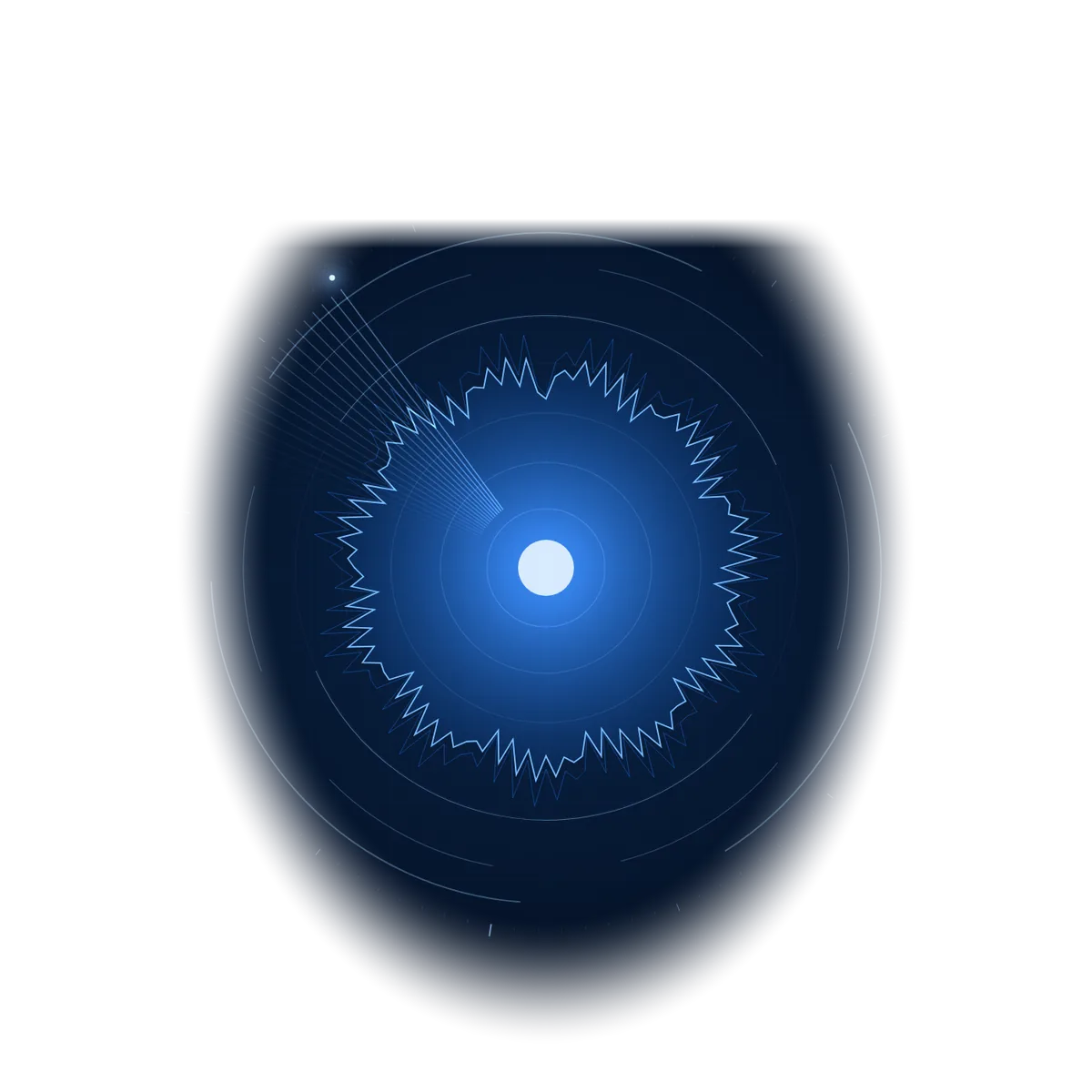
Electric-blue and violet rings orbiting a dark glossy sphere with a ribbon N at its heart, a thin beam through the middle and a holographic pedestal below. The rings speed up when she thinks, and a waveform beneath is her voice.
The personality
Voice: Calm · Clear · Neutral EN · Chrome radius 999px
What your model is told
The full directive is compiled at run time and sent as the system message to Claude, GPT, Gemini or a model on your own machine. Tone is negotiable. The output contract and the hard rules are not — and they are enforced identically on local models.
Nova guides. Capcom runs the day like a launch. Koan slows it down. Noir works the case. Bella keeps you company. Giles runs the lab. Every one of them is a face, a voice and a strict personality — thinking with the model you already pay for.
ProfessionalThe Guide
Calm, clear and always a step ahead. Nova keeps you moving without the noise.
Calm · Clear · Neutral EN
 Professional
Flight Director
Runs your day like a launch. Calm callouts even when the board goes red.
Even · Procedural · American EN
 Calm
CalmSand Garden Monk
Answers in one breath. The one that lowers your heart rate.
Slow · Quiet · British EN
 Cinematic
The Investigator
Narrates your Tuesday like a case file, then hands you the facts clean.
Low · Gravelled · American EN
 Calm
CalmWarm Companion
The one people leave running all day. Warm, direct, never sugary.
Warm · Soft · Neutral EN
 Professional
Butler Engineer
The one that makes you feel like you own a lab. Dry, precise, never impressed.
Dry · Clipped · British EN
All six faces speak all 14 languages, including Japanese — no face or language is ever locked to a plan.
helloim.ai ships as a native overlay for Windows. One hotkey summons the face you named, it hears you, thinks with whichever brain you attached — cloud or the model on your own hardware — and answers out loud while it works on the files in front of you.
you ▸ Nova, take the quarterly deck and the notes, and tell me what to cut.
nova ▸ Read both. Slides four to nine repeat the pipeline story — cut to one. I drafted the trimmed outline in your downloads folder.
you ▸ Route the rewrite to Claude instead.
nova ▸ Switched to Claude Sonnet for this task. Local model stays on for anything with client names.
Summon your skin with a global hotkey anywhere in Windows and it floats over whatever you are doing — no window switching, no tab hunting.
Attach a local Ollama model and a cloud model like Claude or GPT, then switch between them yourself for any given request — there is no automatic routing.
Drag a PDF, a spreadsheet, a screenshot or a folder onto the orb. It reads them locally and keeps them in the conversation until you clear it.
Ask it to draft the reply, rename the files, summarise the meeting, set a reminder or open the doc. Named skills you can approve one at a time.
Keys live in Windows Credential Manager on your machine and never pass through a server of ours — your chat goes straight to the AI provider you chose. Pick a local model and the model call stays on your machine too.
Nova to guide, Capcom for the launch, Koan for focus, Noir for the case, Bella for company, Giles for the lab. Each name carries its own voice, personality, model routing and permissions.
A day of saying things
The desktop app is free and always-there — the powerful, private version with the run of your machine. The browser version is the same assistant reached from anywhere, hosted by us for teams. We'd rather show you the real split than pretend a tab can do what a native app does.
Chat with your own AI (bring your own key)
Themes & voices
Your settings & account
Use it on any computer, nothing to install
A global hotkey — capture a thought from anywhere
Work with your own files & folders
A private model that runs on your machine
Do things on your computer (tools & automation)
Type to a local model and the conversation stays on your machine
The desktop app is free and does the powerful, private, on-your-machine work. The browser version — one assistant your whole team reaches from anywhere — is how we do Enterprise: a dedicated instance, run by us.
helloim.ai never replaces your assistant. It sits in front of it — listening, rendering and speaking — whether that assistant lives in the cloud or on the machine in front of you.
Anthropic · cloud
Full Claude support including projects and long-context documents. Your key, your bill, now with a voice.
OpenAI · cloud
Works with GPT models and custom system prompts. Speak a prompt, hear the answer, keep the thread.
Google · cloud
Multimodal Gemini sessions rendered through any helloim.ai skin, on desktop or web.
Local · your GPU
Llama, Qwen, Mistral, Phi or Gemma running on your own machine. The model call stays local — no key, no bill.
Local · your GPU
Point at the LM Studio server on localhost:1234 and every loaded model becomes a talking skin.
Local · your GPU
The llama-server OpenAI-compatible endpoint, straight from source, at whatever quantisation you like.
OpenAI-compatible
Groq, Together, OpenRouter, vLLM or your company’s internal gateway behind SSO.
Attachments
Drop PDFs, spreadsheets, code, logs or screenshots in. Read locally, kept in context until you clear it.
Windows
One global hotkey summons your named skin over any app, with keys in the OS keychain.
Your tokens, your billing, your history. Disconnect any time.
Streaming speech-to-speech so replies start before the sentence ends.
Conversations are processed and dropped.
The app is free, forever — bring your own AI key or run a model locally, and every face, voice, theme and language comes with it, no exceptions. Running one assistant across a whole team? That's Enterprise: a dedicated hosted instance, and we run it.
The complete assistant, on your machine.
Windows 11 · unsigned build — what to expect →
One assistant for your whole team — hosted by us, yours alone.
Priced to your team
Enterprise is priced to your team — email hello@helloim.ai and we'll scope it with you.
No. It is a layer, not a model. You attach the AI you already pay for, and we give it a name, a face, a voice and ears. Cancel us and your AI keeps working exactly as before.
Still curious? Download it below and try it — with voice, obviously.
It's out. Download helloim.ai free for Windows and give the assistant you already use a name, a face and a voice today — no invite, no waitlist.
Windows 11 · unsigned build — what to expect →